



























Enhance Your IPTV Experience with DuplexPlay on Samsung and LG Smart TVs
DuplexPlay is an advanced media controller application designed to bring your IPTV viewing experience to life on Samsung and LG Smart TVs. Known for its intuitive interface and robust functionality, DuplexPlay makes managing and enjoying your IPTV playlists seamless and hassle-free. With its flexible pricing and ease of use, it is a go-to choice for IPTV enthusiasts. Below, we provide a detailed guide to help you set up and maximize your experience with DuplexPlay.
Why Choose DuplexPlay?
DuplexPlay stands out for its affordability and extensive feature set. New users can explore the app’s features with a 7-day free trial. After the trial period, you can continue enjoying its services with a minimal subscription fee of $0.99 for six months or $1.99 for an entire year. This cost-effective pricing makes it an excellent choice for users seeking a premium IPTV solution without breaking the bank.
Getting Started with DuplexPlay
Follow these steps to install and configure DuplexPlay on your Samsung or LG Smart TV.
Step 1: Downloading DuplexPlay
Power on your Smart TV and navigate to the app store.
Use the search bar to type in “DuplexPlay.”
Once located, download and install the app.
After installation, open the app to begin the setup process.
Step 2: Note Your Device Details
When you launch DuplexPlay for the first time, the app will display a Device ID and a Device Key. These two pieces of information are essential for linking your TV to the DuplexPlay management portal. Take a moment to write them down or take a photo for reference.
Step 3: Access the DuplexPlay Management Portal
To manage your playlists and configurations:
On a separate device (e.g., your smartphone, tablet, or computer), open a web browser and visit edit.duplexplay.com.
Enter the Device ID and Device Key you noted earlier.
Click the “Manage Device” button to proceed.
Step 4: Adding Your IPTV Playlist
DuplexPlay supports multiple methods to add playlists, but for the best experience, we recommend using the Xtream Codes API method. Here’s how:
Select “Add Playlist” on the management portal.
Choose “Xtream Codes API” as your preferred method.
Fill in the required details provided by your IPTV service:
Label: Assign a name to your playlist, such as “My IPTV List.”
Username and Password: Use the credentials provided by your IPTV provider.
Host: Enter the server URL for Xtream Codes (also provided by your IPTV service).
Complete the captcha verification and click “Save.”
If you do not have an IPTV subscription yet, you can explore reputable IPTV providers or consider subscribing through the link provided by your service provider.
Step 5: Refresh Your Playlists
Once your playlist has been added:
Return to the DuplexPlay app on your Smart TV.
Select the “Refresh Playlists” option.
Your newly added playlist should appear under the list of available options.
You are now ready to enjoy your IPTV content with DuplexPlay!
Key Features of DuplexPlay
Multiple Playlist Support: Manage and switch between multiple playlists effortlessly.
User-Friendly Interface: Navigate through menus and settings with ease.
Customizable Options: Tailor your viewing experience with a range of adjustable settings.
Cross-Device Compatibility: Sync and manage your playlists across different devices.
Frequently Asked Questions (FAQ)
1. What devices are compatible with DuplexPlay?
DuplexPlay is specifically designed for Samsung and LG Smart TVs, but it also supports other platforms like Android-based devices.
2. Is there any cost to use DuplexPlay?
Yes. DuplexPlay offers a 7-day free trial. Afterward, you can choose a subscription plan: $0.99 for six months or $1.99 for 12 months.
3. What is the best method to add playlists?
We recommend using the Xtream Codes API method for its streamlined setup and enhanced reliability.
4. How do I obtain an IPTV subscription?
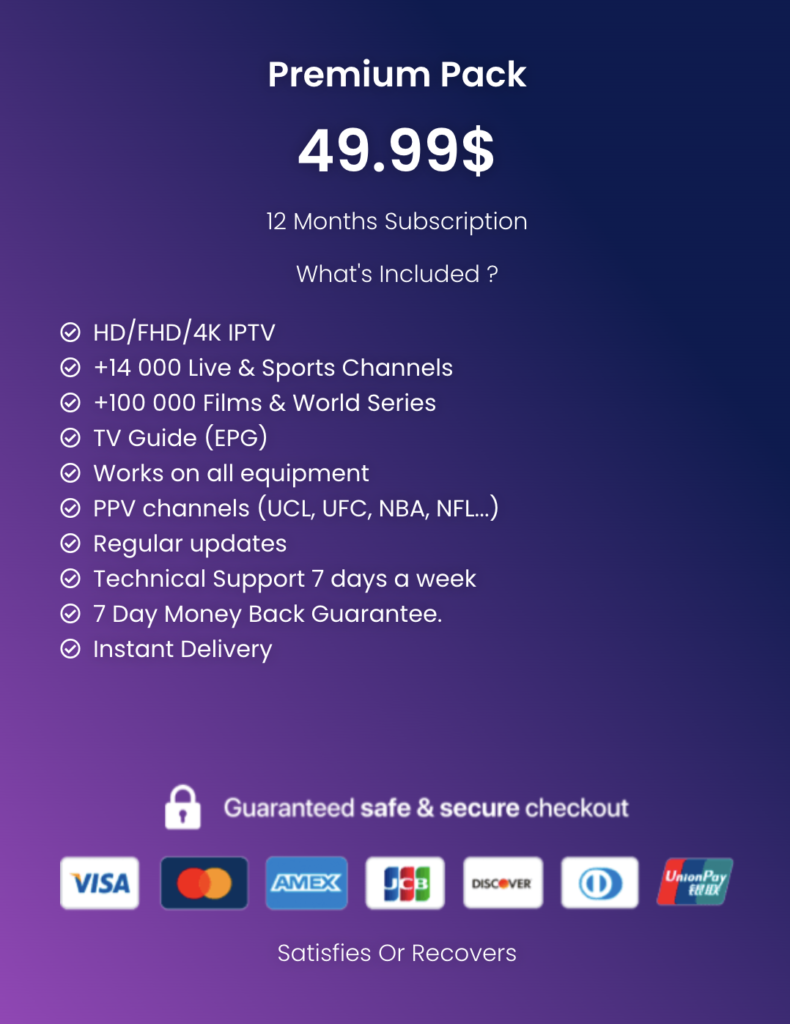
IPTV subscriptions can be obtained through various providers. Look for trusted services that offer secure and high-quality streaming options. you can subscribe here.
5. What if I forget my Device ID and Device Key?
If you lose your Device ID and Device Key, you will need to reinstall the DuplexPlay app on your TV. Make sure to note these details for future reference.
Tips for Optimizing Your Experience
Regular Updates: Keep your DuplexPlay app updated to access the latest features and improvements.
Stable Internet Connection: Ensure your Smart TV is connected to a stable and high-speed internet connection for uninterrupted streaming.
Explore Advanced Settings: Customize audio, subtitles, and video quality settings to suit your preferences.
Backup Your Playlists: Maintain a backup of your playlist details to avoid reconfiguration in case of technical issues.
By following this guide, you can enjoy a seamless IPTV experience with DuplexPlay on your Samsung or LG Smart TV. Start streaming your favorite content today and make the most of this powerful media controller app!